Here’s some “stuff” for YOUR favorite idiot – because HR AND the police frown upon what your coworker(s) and or acquaintances so richly deserve – just saying . . .
Here’s hoping Friday comes quickly for YOU!
Have Fun! – Run the Gun! – and remember – Fish Heads are Cheap!!
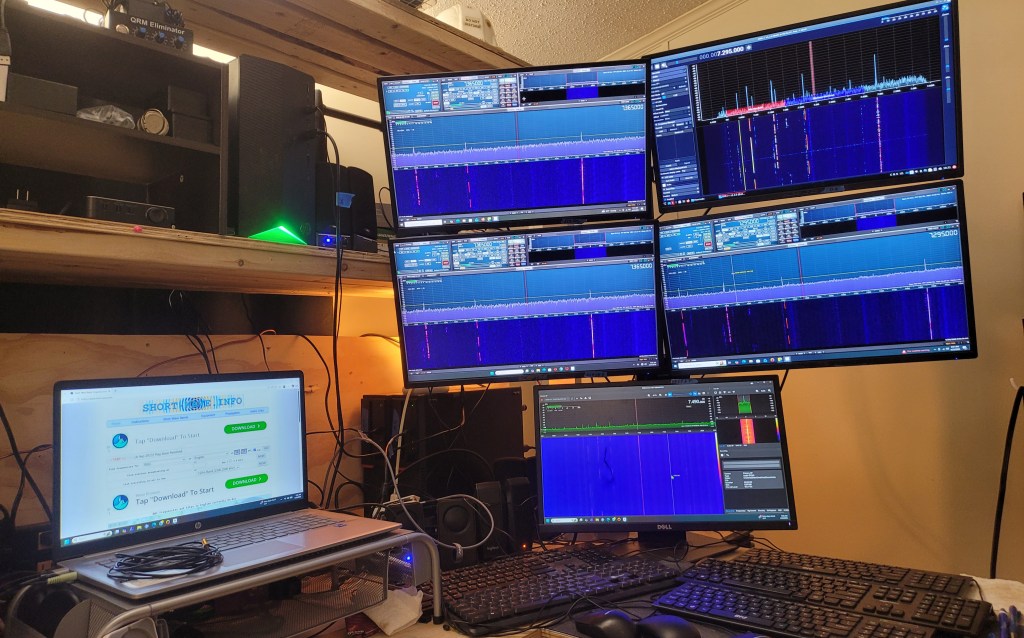
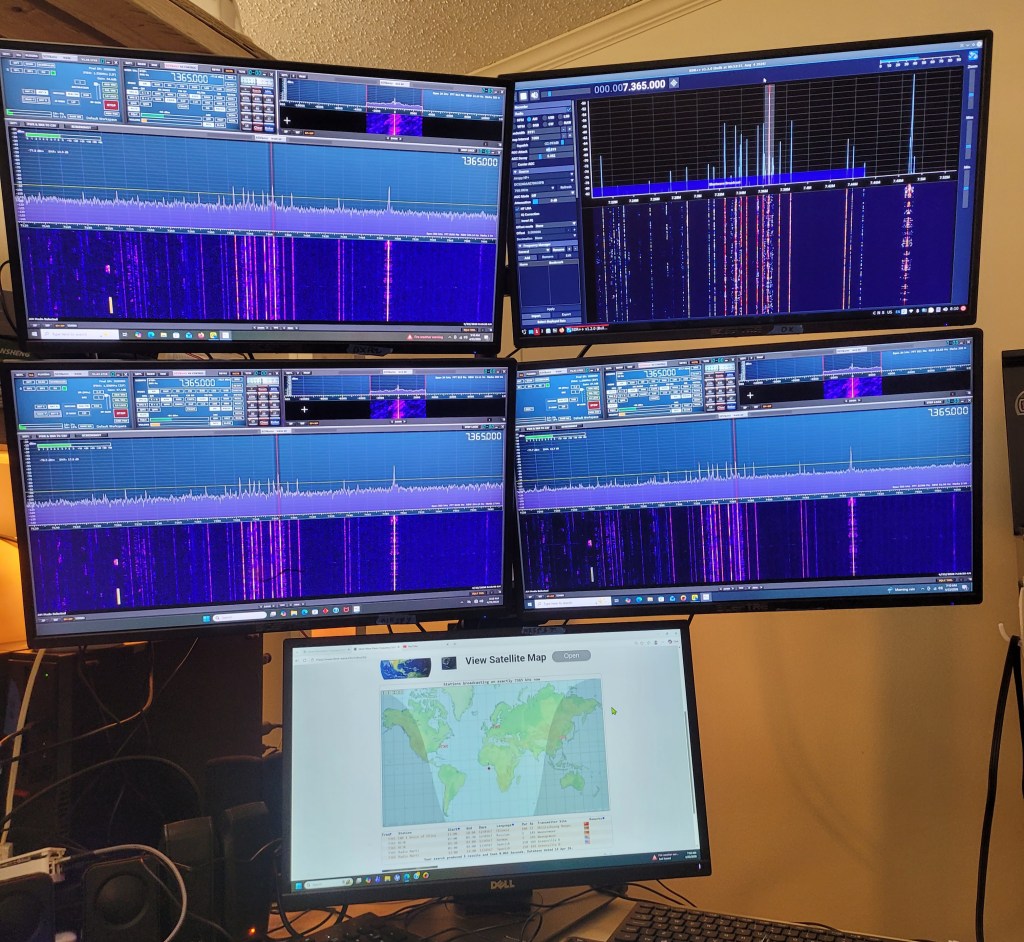
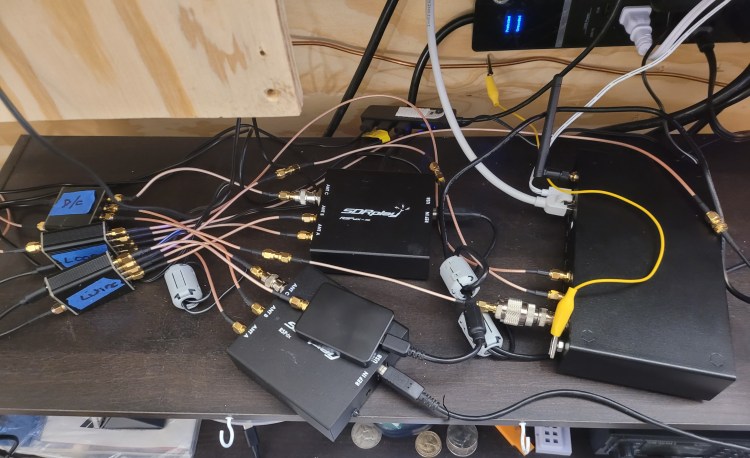
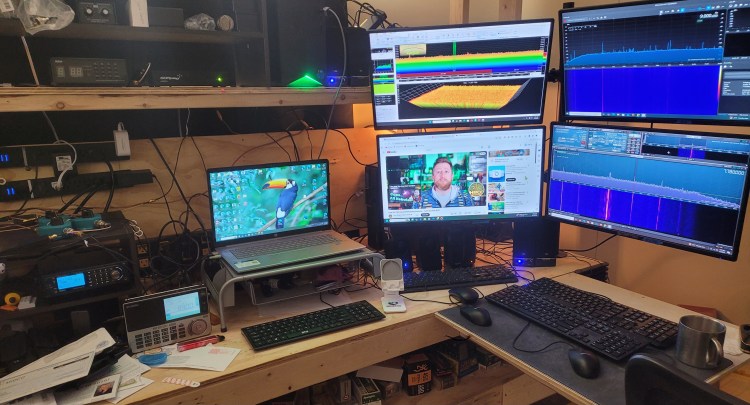
(upper left / RSPDXr2 – upper right / Airspy HF+ Discovery / lower left / RSPDX – lower right / RSP1B – bottom center / RSP nRSP-ST)
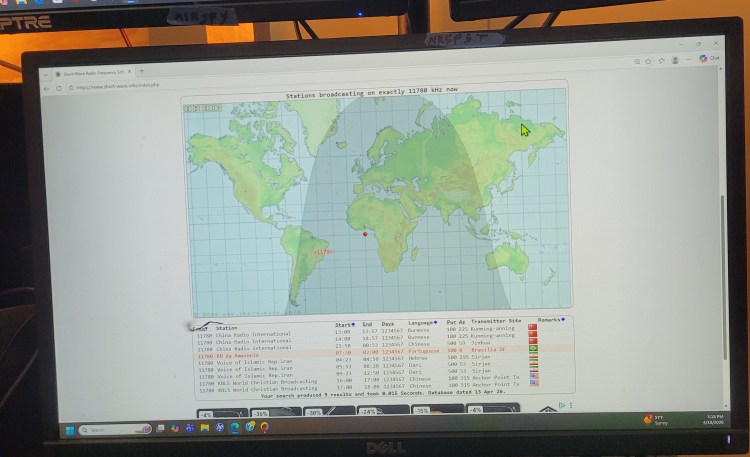
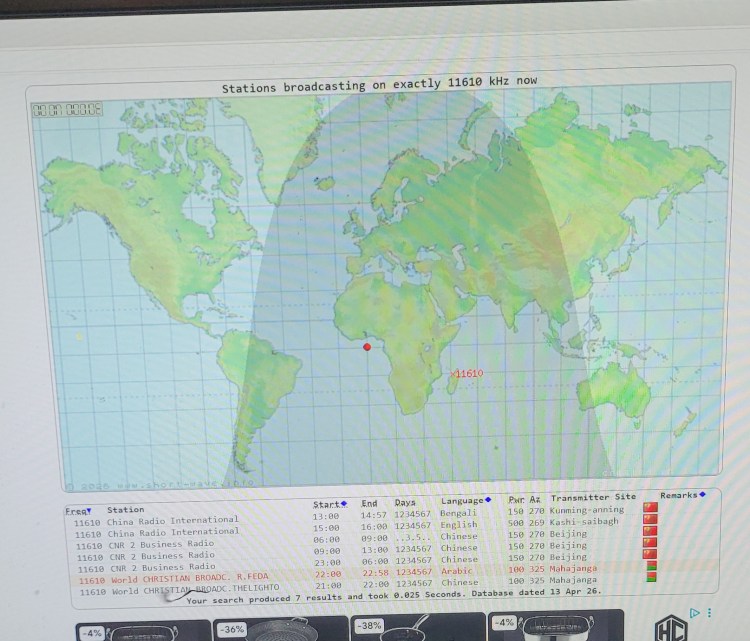
(allows me to swap the bottom center monitor – fed off the laptop – and put short-wave info in front instead of the RSP nRSP-ST – just drag and drop)
This mess here?
It is actually starting to be manageable – LOL!
I only have 3 antennas at the point – took the dipole down and replaced the deck so we are not worried about it falling apart if you were sitting out there and sneezed – not really that bad but not far from it.
I’m putting a lay down mount with a 10 foot mast on the back deck so I will be able to swap out antennas easily – I have several different loops as well as a mini-whip and I will use the coax running out there to try them – makes it relatively easy to compare performance with the different antennas. I will add another switch on the input to the wire random wire antenna distribution block to be able to easily switch to test antennas – and be able to try them with various radios.
Different antenna / radio combinations do make a difference. Right now – 4pm CDST / 2100 UCT the Airspy switched to the random wire is outperforming everything except RSPDXr2 running on the DX Engineering loop antenna at 15.034mHz usb (Canadian military aviation weather / volmet) – go figure – a 31 foot (approximate) piece of wire and a 9:1 UNUN out performs $800 plus dollars of loop on everything but one radio . . .
Differing conditions – different frequencies – different radios – different antennas – all react together differently – I can say this much – pick a radio / antenna setup and start listening – it is interesting hobby to say the least – then start “improving” your setup. That becomes quite the rabbit hole . . .
Have Fun! – Run the Gun! – and remember – Fish Heads are Cheap!!
So . . . I was asked by someone about a good (not a cheapie dongle) SDR to start with and my standard answer has been Airspy Discovery HF+ . . . they came back a day or so later with “I really don’t want to drop $200 bucks into this “hobby” just to get in the door.
I checked the prices and the tariff situation has in fact put the Airspy at $200 bucks. So I ordered the SDRplay RSP1B from Ham Radio Outlet – it has been on my back burner want list for awhile. And at $140 bucks – it might just be a bargain.
So here is where the ongoing mess is now . . .
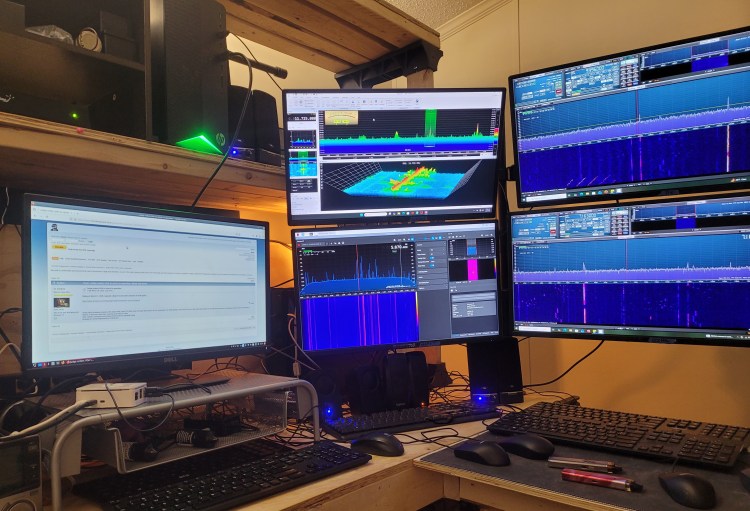
upper left / SDRplay RSPdx-R2 — upper right / SDRplay RSPdx — lower left / Airspy Discovery HF+ — lower right / SDRplay nRSP-ST
upper left / SDRplay RSPdx-R2 — upper right / SDRplay RSPdx — lower left / Airspy Discovery HF+ — lower right / SDRplay nRSP-ST
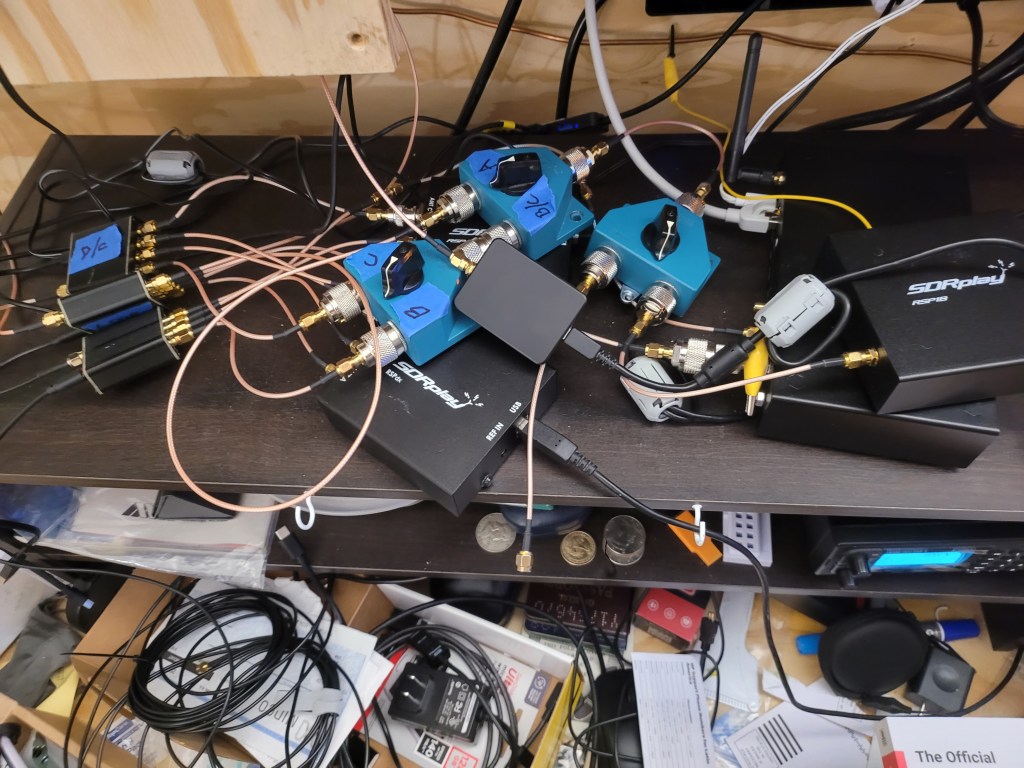
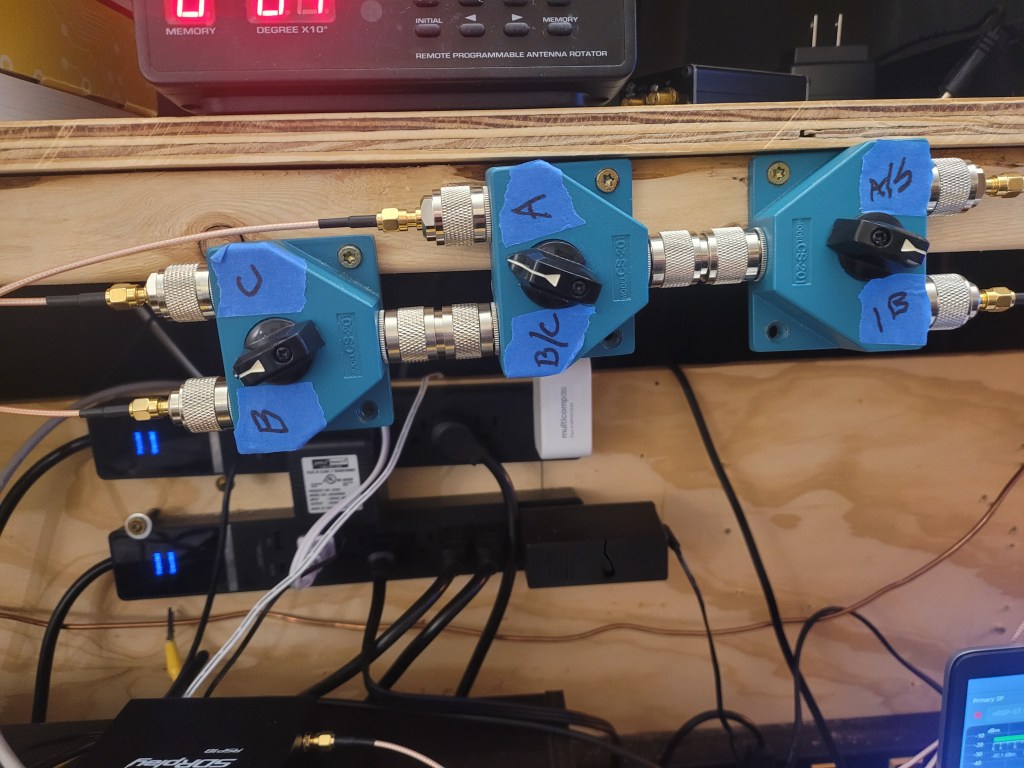
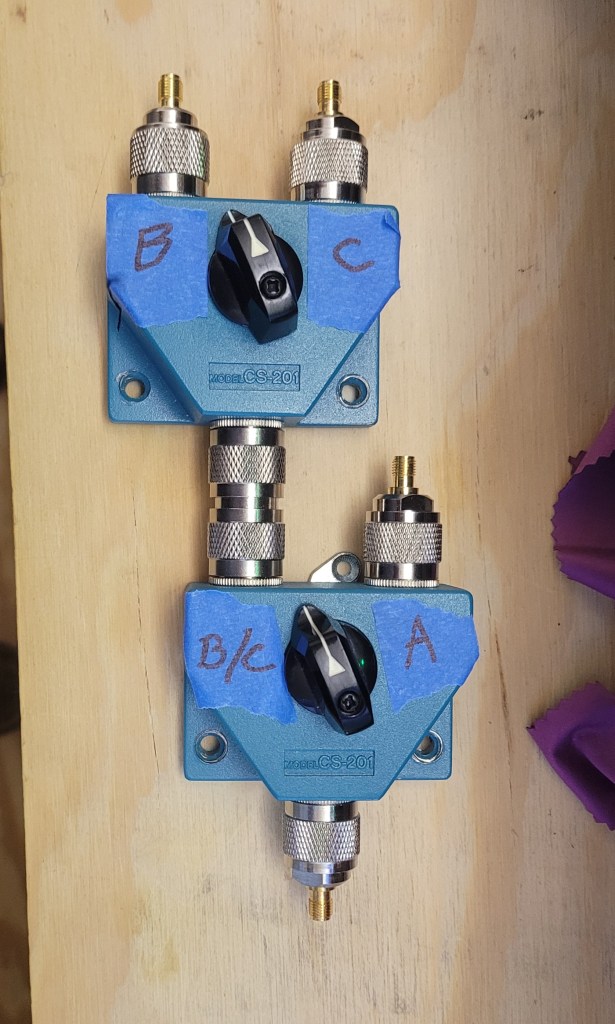
So the changes – the Airspy is swapping out for the SDRplay RSP1B – and I already have SDRUno software installed on the computer and since the RSP1B only has a single antenna input . . .
This monstrosity will let me switch between the loop/random wire/discone . . .
Started making changes to the wiring disaster – er – antenna connections . . .
It will be interesting to see how the SDRplay RSP1B stacks up against not only the Airspy but the other SDRplay products as well.
More later on this . . .
Have Fun! – Run the Gun! – and remember – Fish Heads are Cheap!!
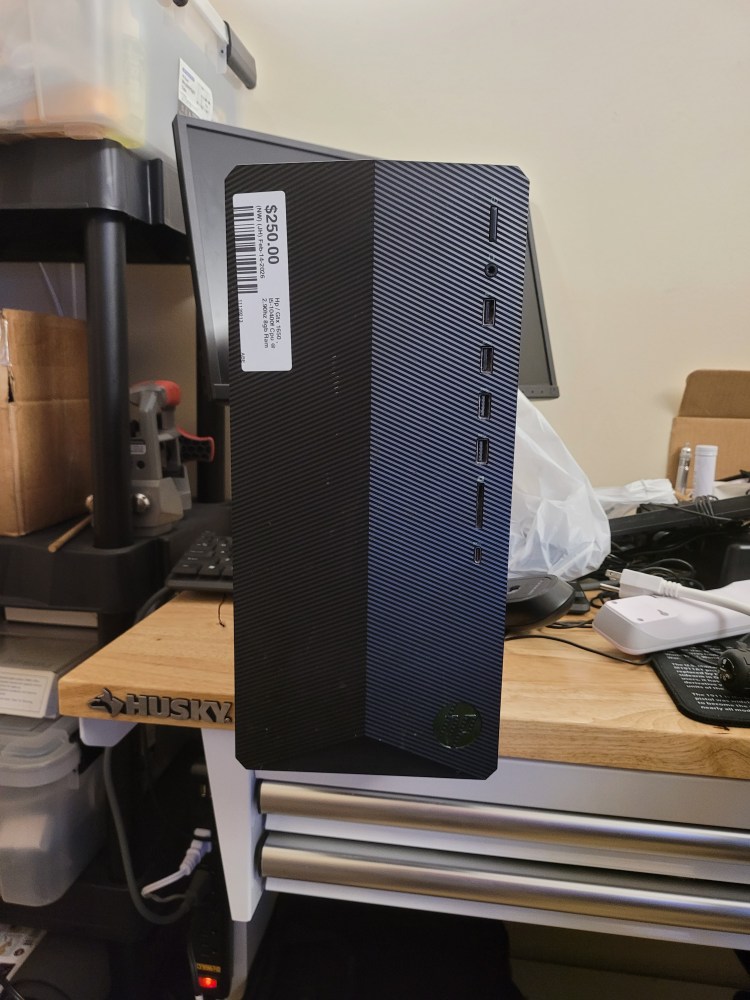
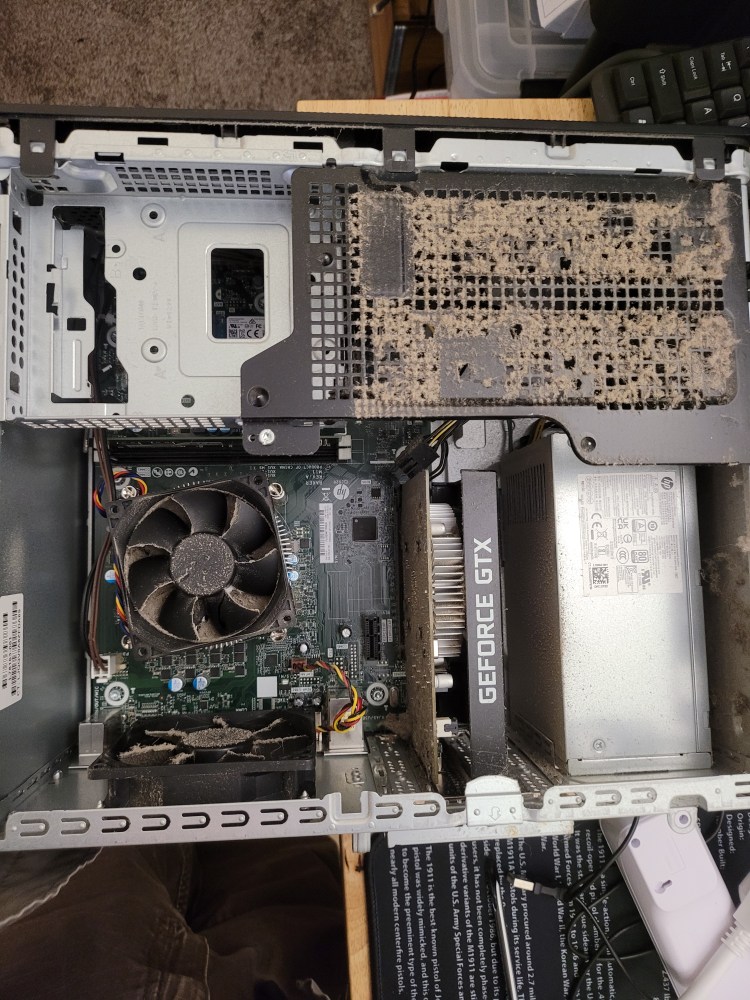
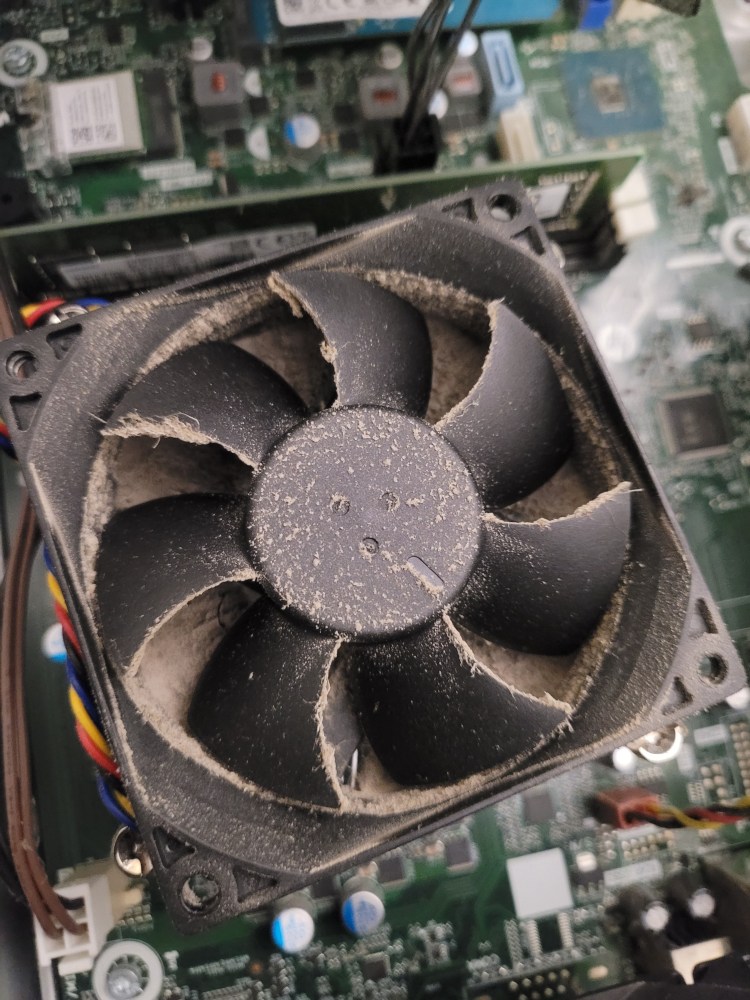
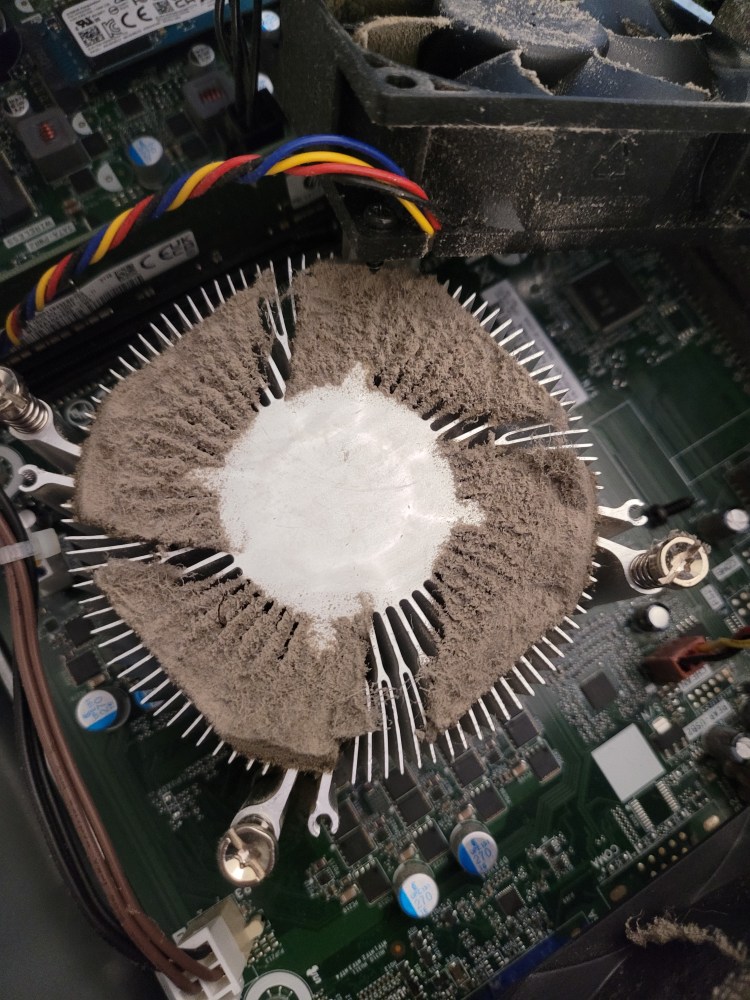
When the lid came off – $50 came off the price . . .
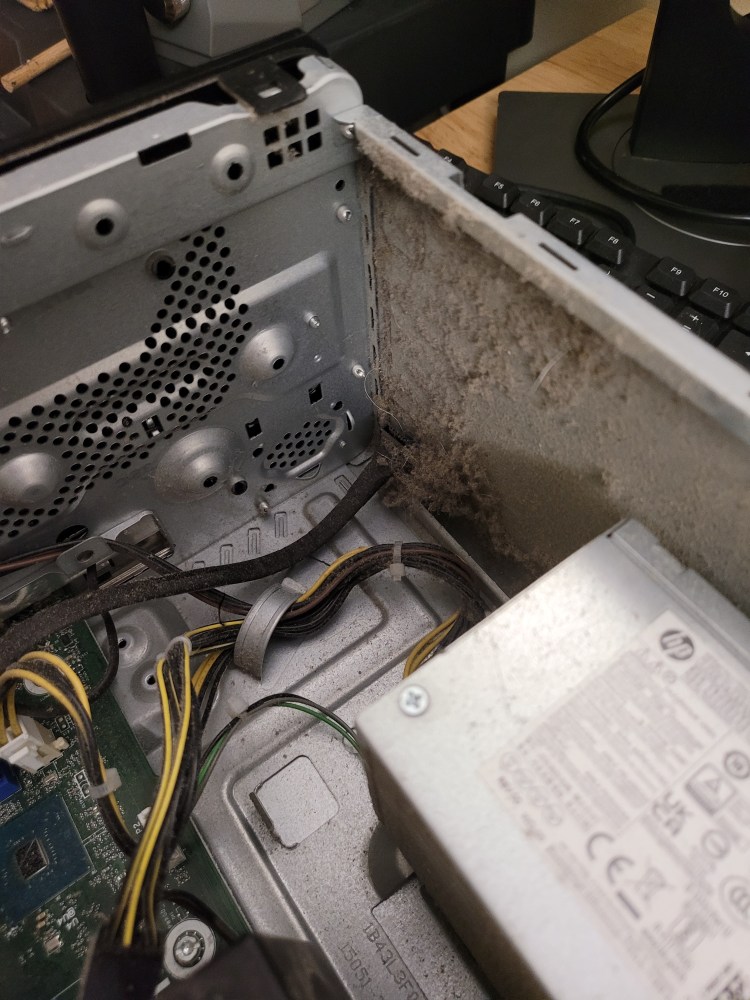
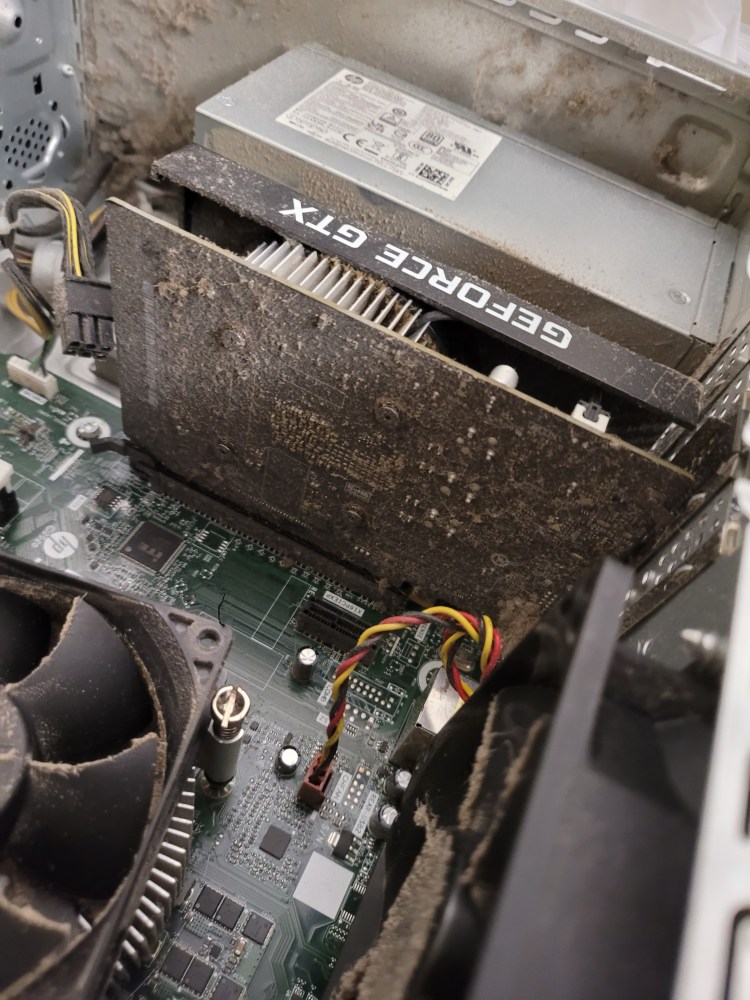
Not sure if the former owner had a clue there is such a thing as canned air . . .
Checked it at the pawn shop and it ran good!
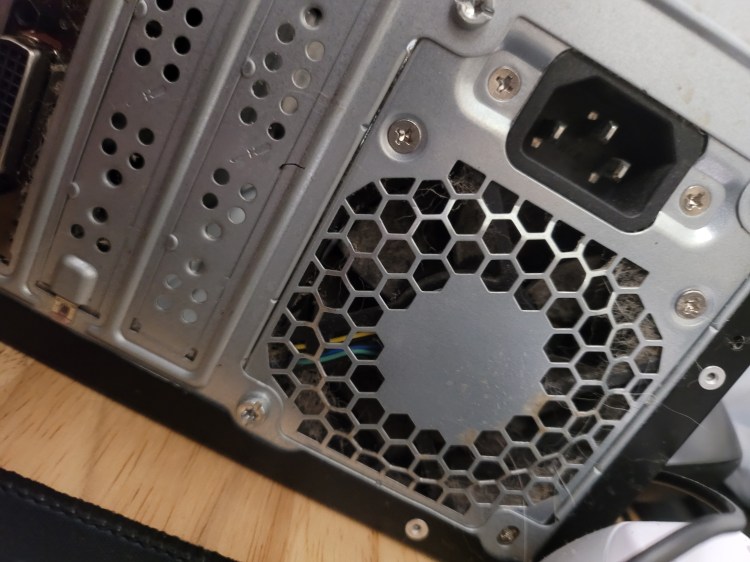
Took it all apart and attacked it – used not quite a full can of air – had the sneezing watery eye thing going for about 2 days. Hardest part? Pulled the power supply out and apart – getting the tiny fiddly cover screws for the power supply back in place really sucked.
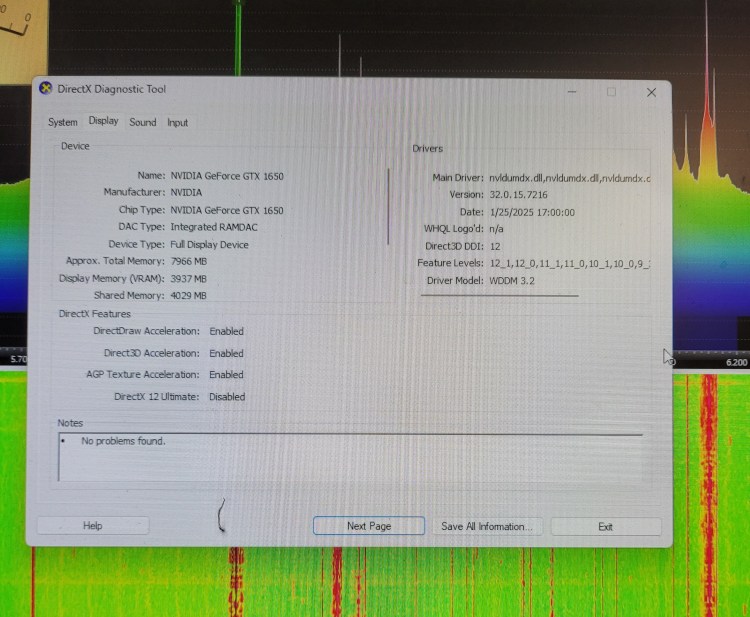
As I said in the last post – bought this for one purpose – to run SDR-Console and it does VERY well. I stumbled across the software about 3 years ago and kept trying to run it on various computers with no joy. The software actually has DirectX diagnostic tools built in so it can look at your graphics card and let you know how it’s performing. Pretty cool stuff!
This first clip is WSM 650 am Nashville – dark thirty Sunday morning . . .
And some 40 meter net stuff – this bunch be shit talking from about 5:30am to 6:30am central every morning – what is fun is listening to the far east HAM stations operating on 40 meters and at the same time listening to far east broadcast stations on another sdr . . .
This is my typical morning from about 3:30am until 6:00am – I listen to stuff from ALL over the world!
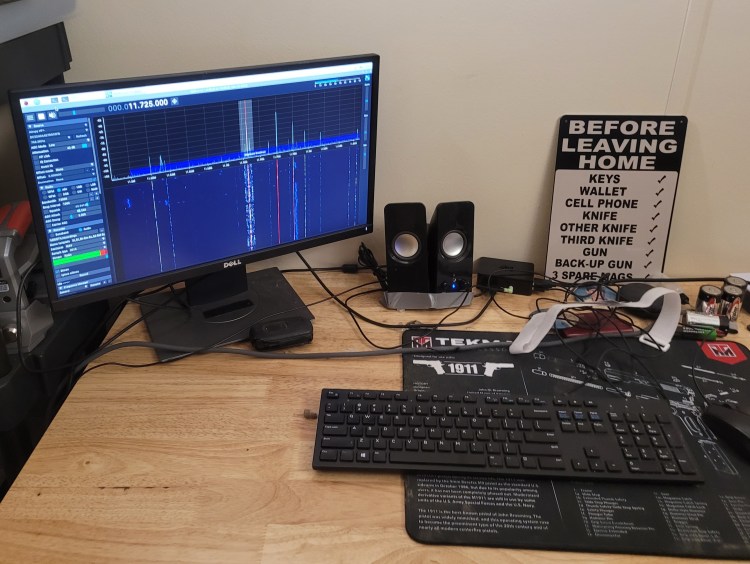
Set this up behind me running anAirspy HF+ Discovery on a pi4 – and yes it does get a wee bit jumbled hearing everything at times
The nice part about the sdr-console software is switching between radios – hit stop / pick the radio / hit play – makes apple to apple comparisons between radios easy – all the settings are the same – the speakers are the same – the computer is the same – – kinda helps you do a true side by side comparison.
Of course stuff is never “that” simple – got ready to post this and my laptop shit the bed – LOL – either the battery or the power supply (or both) – so I ordered a new power supply and spent about 45 minutes setting everything back up with the pi4 and pi5. Tried to use just the pi4 – it just didn’t like the load running sdr connect and a web browser at the same time – so the pi4 is being used for sdr connect and the pi5 is doing the rest of the stuff. And I just don’t think there is any chance of porting the nRSP-ST to this sdr-console software – which would see the actual “radio” in it perform straight up vs other radios – but you never know . . .
So for a few days its 5 keyboards / 5 mice / 5 sets of speakers – we’re having fun now – right?
Not being a “gamer” never really wanting something that fell into the performance level of such a thing. Then ran across sdr-console about 3 years ago and figured out I really didn’t want to spend a ton of money on a gaming computer – than ran across this . . .
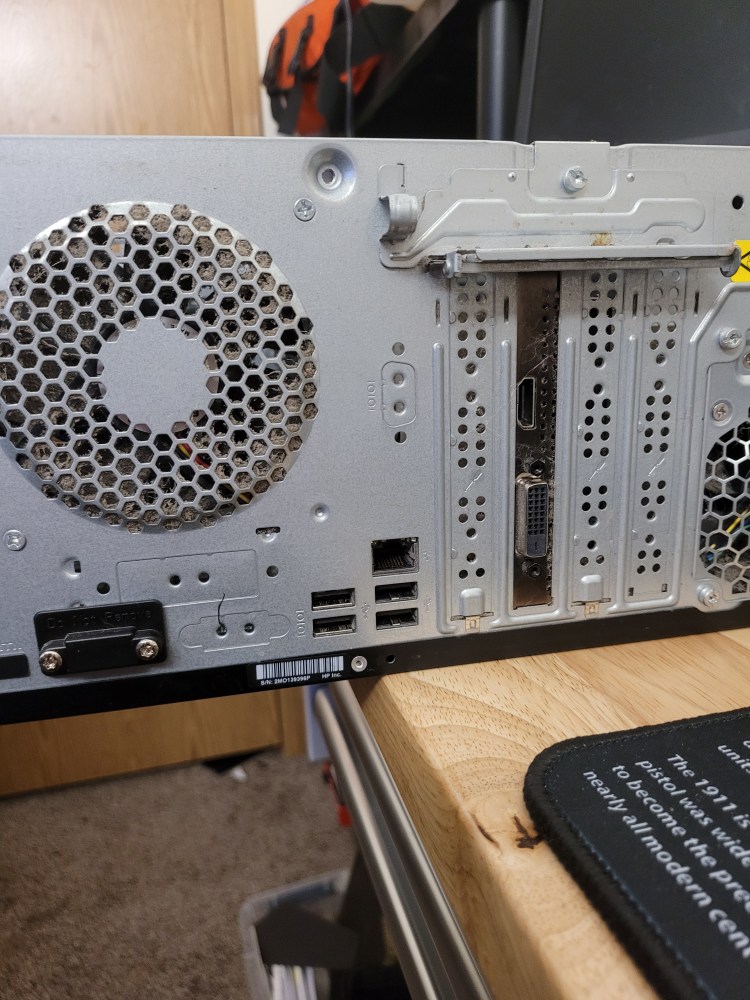
And it runs it very well – i5 cpu @ 2.9 GHz – 8 meg DDR ram – 256 ssd drive – and the key to it all playing well together – the NVIDIA graphics card . . .
Have Fun! – Run the Gun! – and remember – Fish Heads are Cheap!!
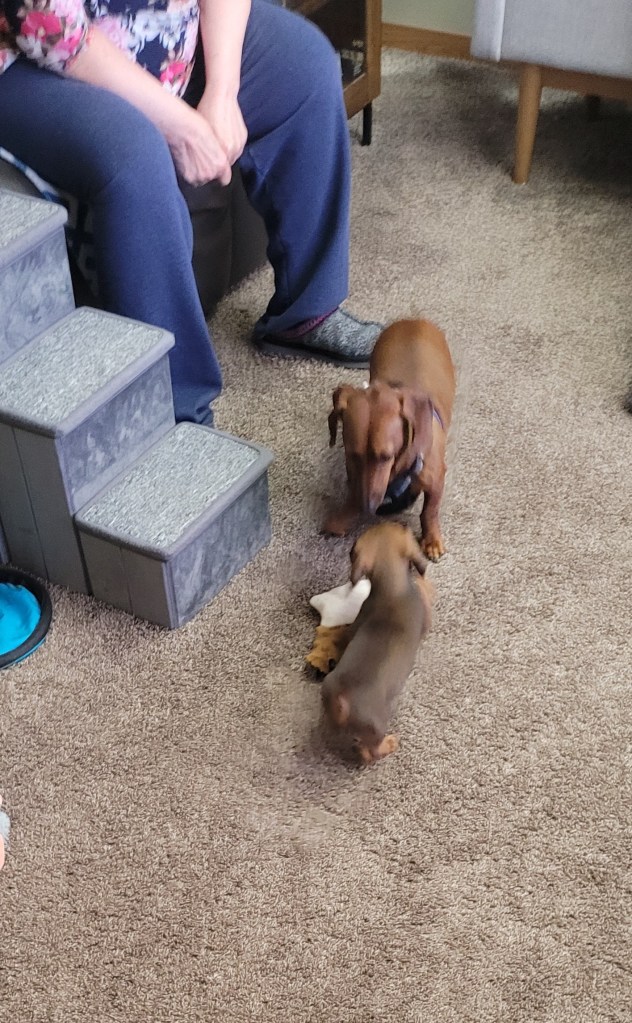
We went and looked . . . and we brought this little guy home –
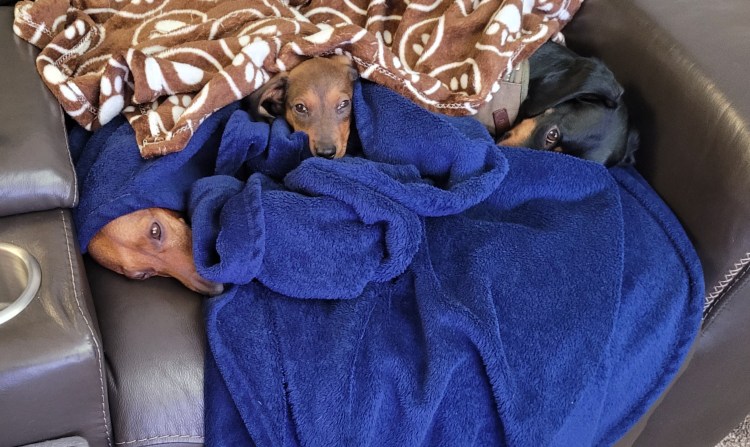
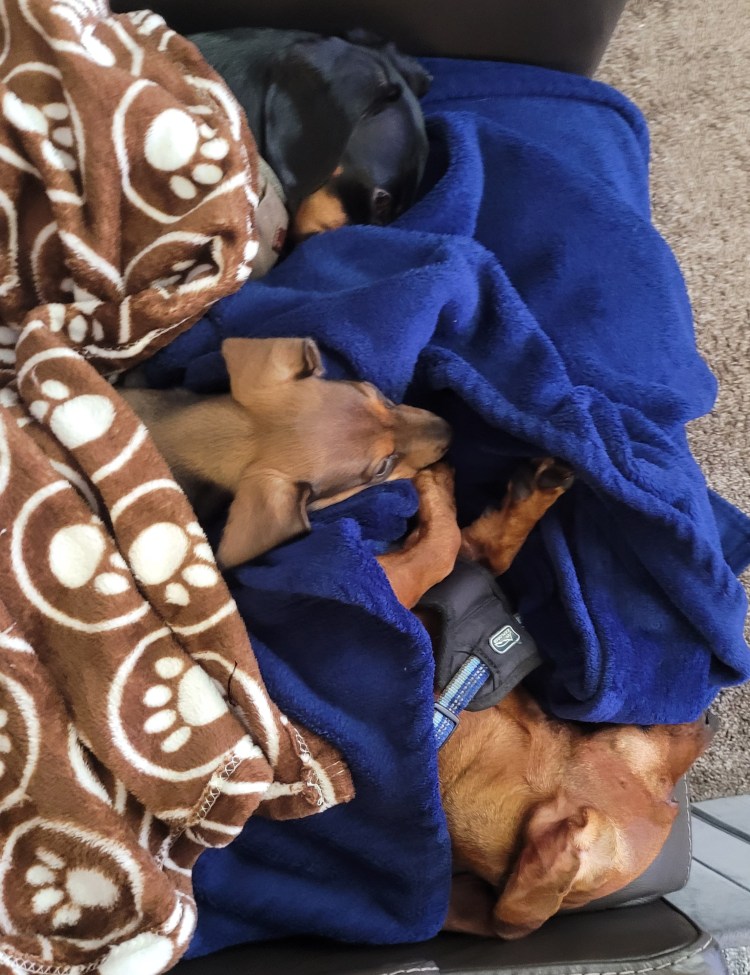
President Theodore Roosevelt JR – An absolute live wire – Curtis and Oliver are adjusting – the first week was a little tough on everybody – Now? Their best buds.
Curtis was really uncertain at first about Theo . . . All he would do is back away from the mouthful of piranha teeth – I had forgotten just how sharp puppy teeth were – LOL!
Didn’t slow Theo down in the least . . .
The “boys” are getting along a lot better now . . .
And then there is this thing . . .
More on this and its use in another post – (bought it to run sdr – console software and it does a real good job of that).
Have Fun! – Run the Gun! – and remember – Fish Heads are Cheap!!